-
-
For Buildings Automation
Go beyond building controls
For Industrial Automation
Sensing Solutions, Gas & Flame Detection.
For Process Automation & Technology
Measurement & Control, Smart Energy, and Thermal Solutions.
Expert solutions powering the future of energy.
-
Home My Account Order Management Invoice Management Case Management Saved Carts Address Book Legacy myTransactions Price Agreement Wishlist Advanced Search Preferred Business EntitymyProcess Home My Account Favorites Saved Cart Address Book Order Management Invoice Management Quote History Discount History Service ContractsMy Account My Profile My Orders My Quotes My Returns Saved Carts Invoices My Contracts Case History Work Order History My Subscriptions My Assets Manage Trainings & UsersHome Account Case Management Order Management Saved Carts Favorites Address Book Asset Management Quote ManagementCurrency:
Changing Currency will cause your current cart to be deleted. Click OK to proceed.
To Keep your current cart, click CLOSE and then save your cart before changing currency.
Currency- CHOOSE YOUR CURRENCY
Update Currency
Changing Currency will cause your current cart to be deleted. Click OK to proceed.
To Keep your current cart, click CLOSE and then save your cart before changing currency.
Select AccountSwitching accounts will update the product catalog available to you. When switching accounts, your current cart will not move to the new account you select. Your current cart will be available if you log back into this account again.
Account# Account Name City Zip/Post Code PROCEEDCANCELMy Account
-
You are browsing the product catalog for
You are viewing the overview and resources for
to view parts associated with your account
iBox BT LE
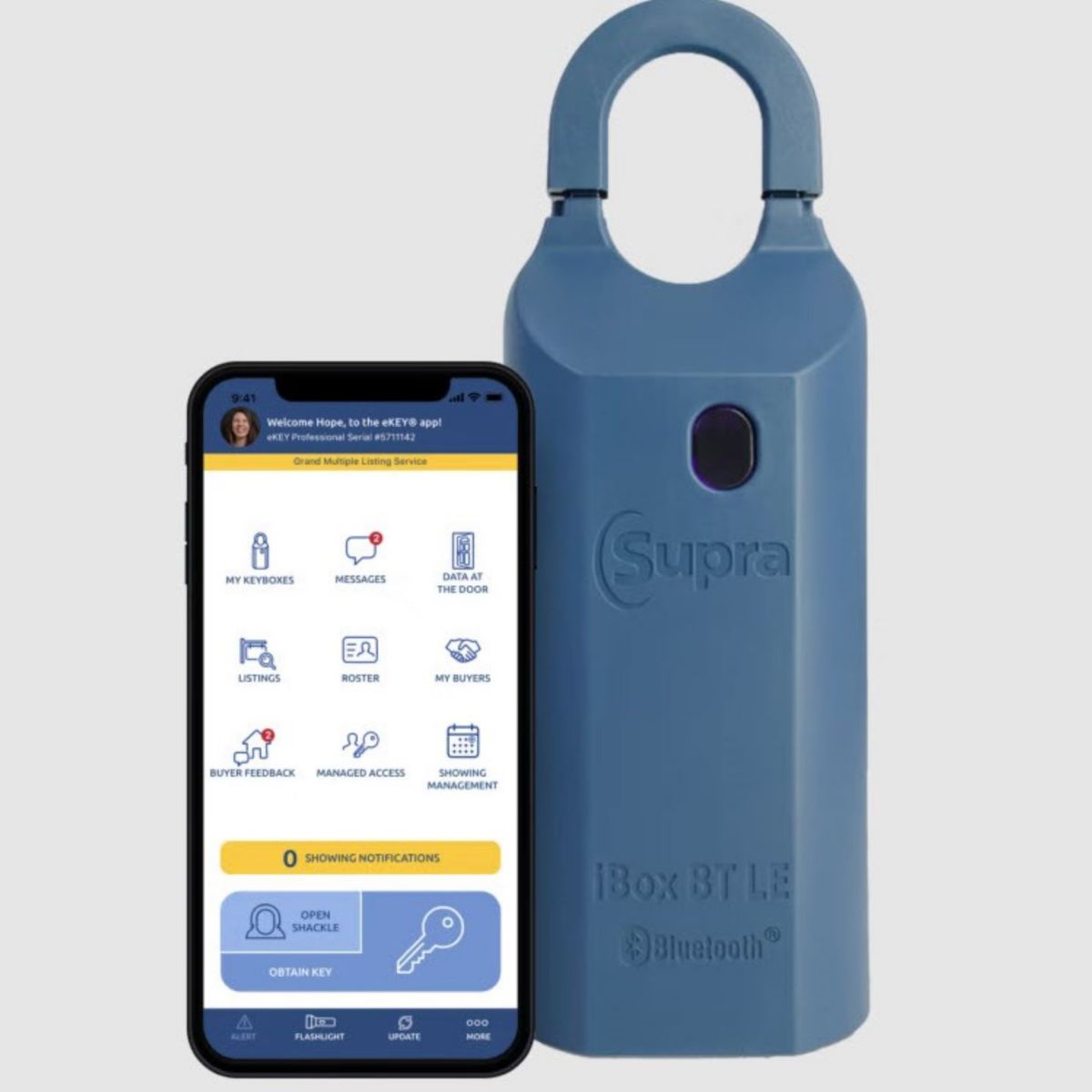
The Supra eKEY app communicates directly with the iBox BT LE with no additional hardware required making it as easy as one, two, three.
iBox BT LE
Next level entry
Low-energy Bluetooth® technology takes the Supra system experience to a whole new level with real-time communication between the lockbox, mobile phone and the Supra system to keep information flowing between everyone involved in the sales transaction.
Supra opening doors for you
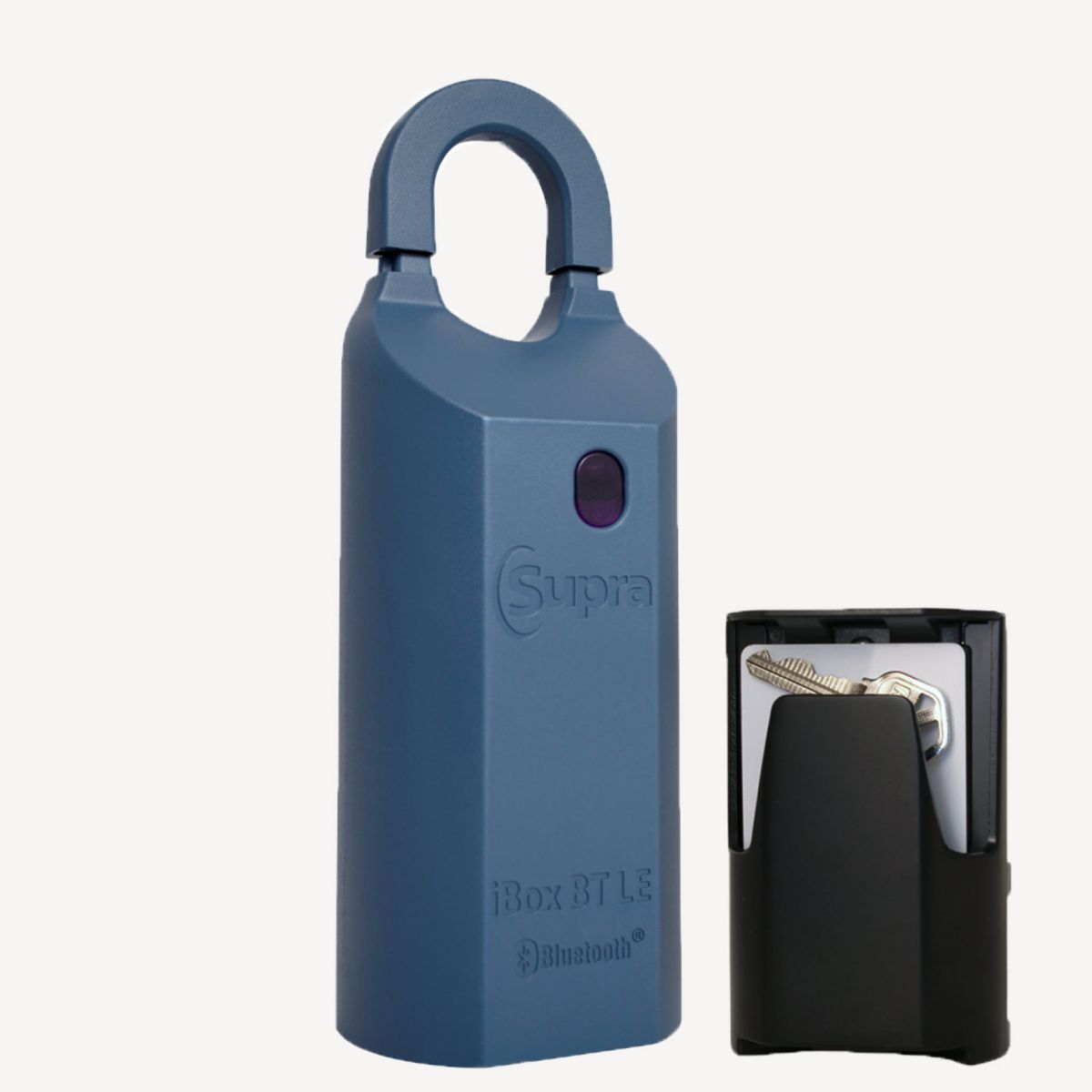
iBox BT LE Lockbox
Keep all your Supra Powers in hand
Using your phone or tablet as your lockbox key has never been easier
Smart
Works with Supra eKEY
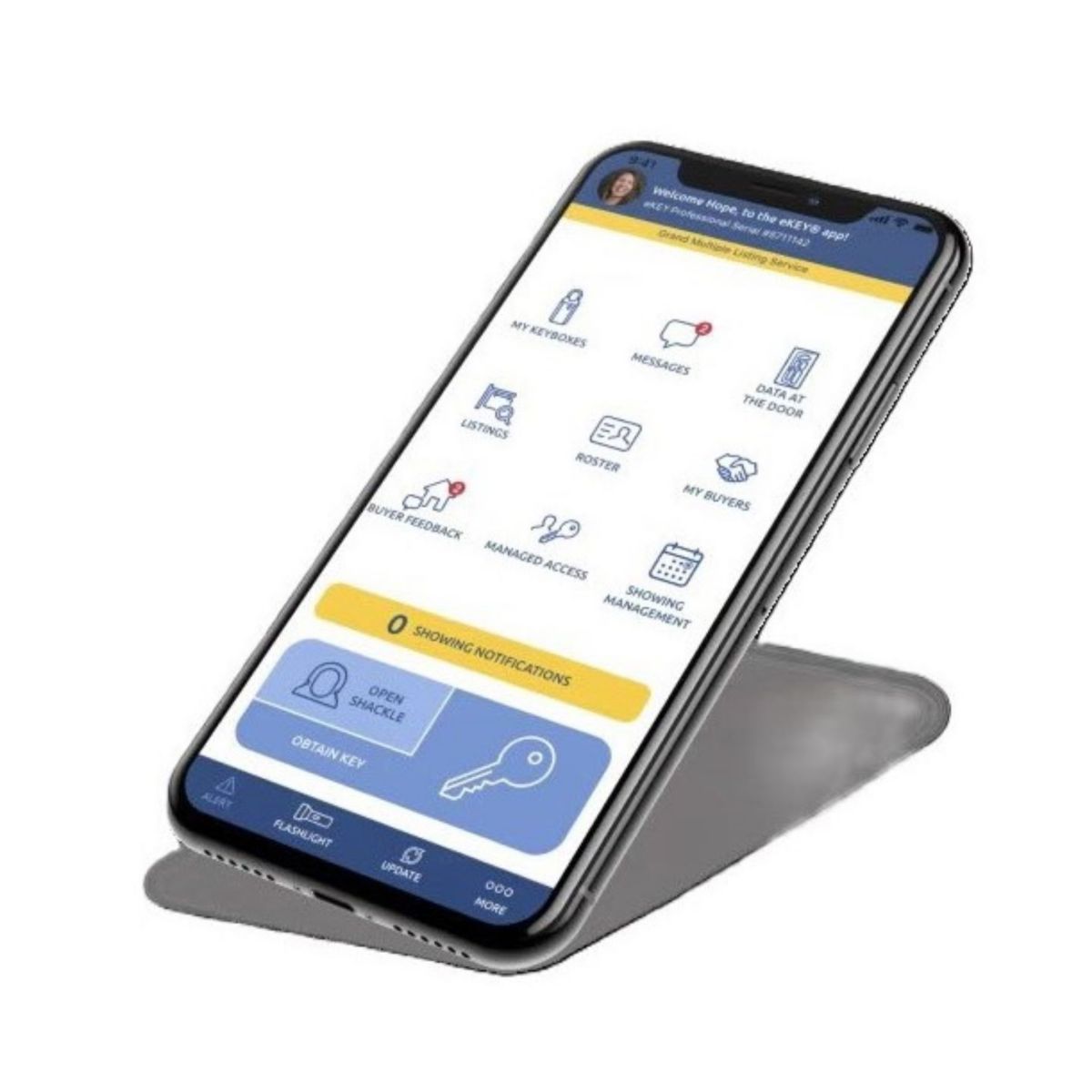
The Supra eKEY® app communicates directly with the iBox BT LE with no additional hardware required making it as easy as one, two, three.
Interactive
Interacts seamlessly with most smartphones
With information transmitted instantly between the lockbox and the Supra eKEY app, enjoy decision-making advantages right from the get-go.
Secure
Room to securely store several keys at a time
With a large key container that can hold both gate cards and keys, secure storage has never been easier. The iBox BT LE is designed to store five keys, or two gate cards with two keys.
Have questions?
Have questions about Supra Lockboxes? Check our FAQ or ask your association or MLS for more information.
We’re here to help
FAQs
eKEY on Android and iOS via Bluetooth:
- Open eKEY app.
- Tap on Obtain Key (if a CBS Code is being prompted and the key is not an Affiliate key, the “Enable CBS” function can be unchecked in the eKEY Settings)
- Type in PIN code. The phone will start searching “Turn on fob or iBox BT”...
- Push up on the key container of the lockbox. The phone will start communicating with the lockbox. Once it is complete it will say "Successful".
- Push up on the key container to release it.
- Open the Supra eKEY app on your phone.
- Tap on the MY KEYBOXES icon.
- Tap on the Keybox serial number in question.
- Tap on the PROGRAM KEYBOX heading.
- You will see the shackle code about halfway down your screen.
eKEY - IOS (iPhone & iPad)
- Open the Supra eKEY app on your phone.
- Tap Open Shackle.
- Enter the 4-digit shackle code.
- Tap on the Reason box.
- Scroll up or down until the correct reason is selected, then tap Done.
5a.If Adding on a new listing is chosen, either enter the address number, or the MLS number, then tap SAVE
- Tape Done.
- (Optional) Toggle on the “Add to my keybox inventory” switch.
- Tap BEGIN button
- Press up on the bottom of the lockbox to power the lockbox on.
- Wait for the message Success to appear, as well as a message about the battery level in the box.
- Push the shackle down into the lockbox then pull up. The shackle will come off.
eKEY - Android OS
- Open the Supra eKEY app on your phone.
- Tap Open Shackle.
- Type in shackle code.
- Tap on the Reason box.
- Select a reason from the drop down list.
5a.If Adding on a new listing is chosen, either enter the address number, or the MLS number, then tap SAVE
- (Optional) Toggle on the “Add to my keybox inventory” button on.
- Tap the BEGIN button.
- Press up on the bottom of the lockbox to power the lockbox on.
- Wait for the message Success to appear, as well as a message about the battery level in the box.
- Push the shackle down into the keybox then pull up. The shackle will come off.
You can program listings for your lockbox right in the Supra eKEY app the way you and your seller want to use it. As long as you are with your lockbox, you can program it with these easy steps.
- Open the Supra eKEY app on your phone.
- Tap on the MY KEYBOXES icon.
- Tap on the Keybox serial number in question.
- Tap on the PROGRAM KEYBOX heading.
- From this screen you can change the following
a.Shackle code
b.CBS code/requirement
c.Keybox access hours
- When finished editing tap the PROGRAM button.
- Enter the 4-digit shackle code (previous code of shackle code is being changed)
- Press up on the bottom of the lockbox to power the lockbox on.
- Wait for the message Success to appear. Your lockbox has now been reprogrammed.
We are having trouble login you to the bot, Please logout and login again using following link. Logout
Copyright © 2026 Honeywell International Inc
Maximum File Size
Maximum Files Exceeded
Due to inactivity you will be logged out in 000 seconds.
Maximum File Size
Maximum Files Exceeded
You cannot access this page as this product is not available in your country.
Maximum File Size
Maximum Files Exceeded
This product is not available in your country.
You cannot access this page as this product is not available in your current country. To view this product, please change your product catalog view.
We use cookies and similar tracking online technologies to improve website performance, record website activities, facilitate information sharing on social media and offer advertising tailored to your interest. For more information, see our Cookie Notice and Terms and Conditions. You can also customize your browser’s cookie settings. Please note that if you refuse cookies, it may affect site functionality and performance.