

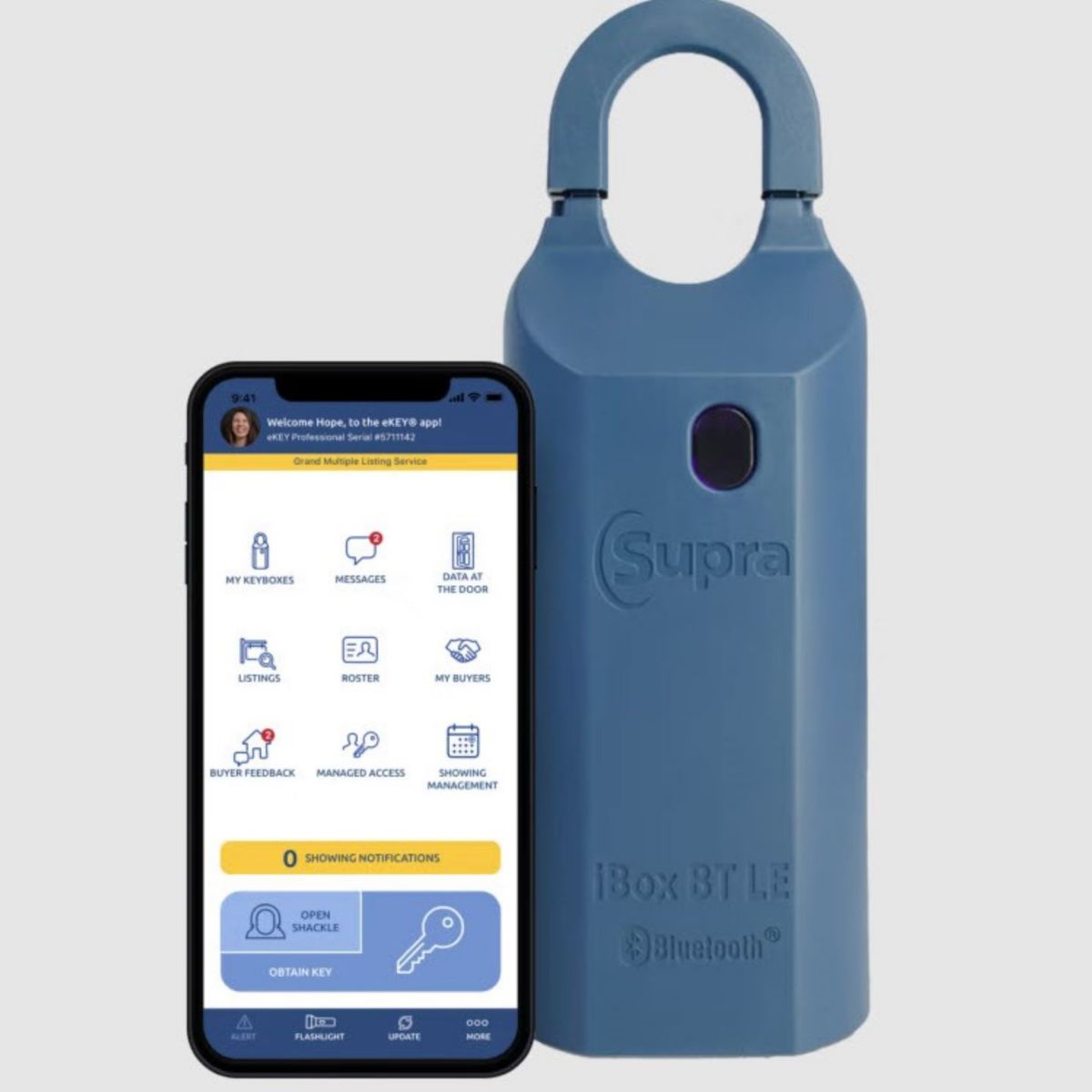
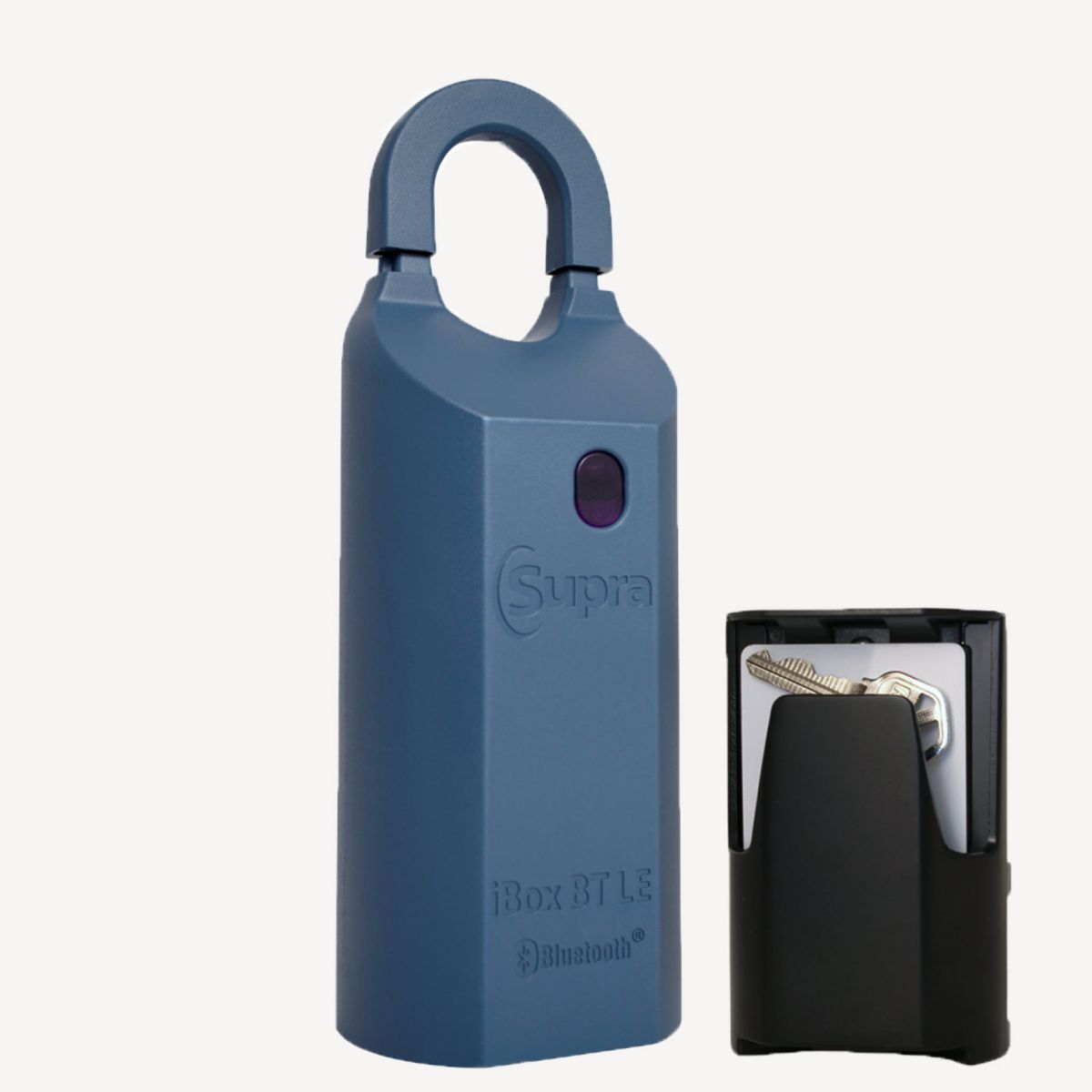
iBox BT LE
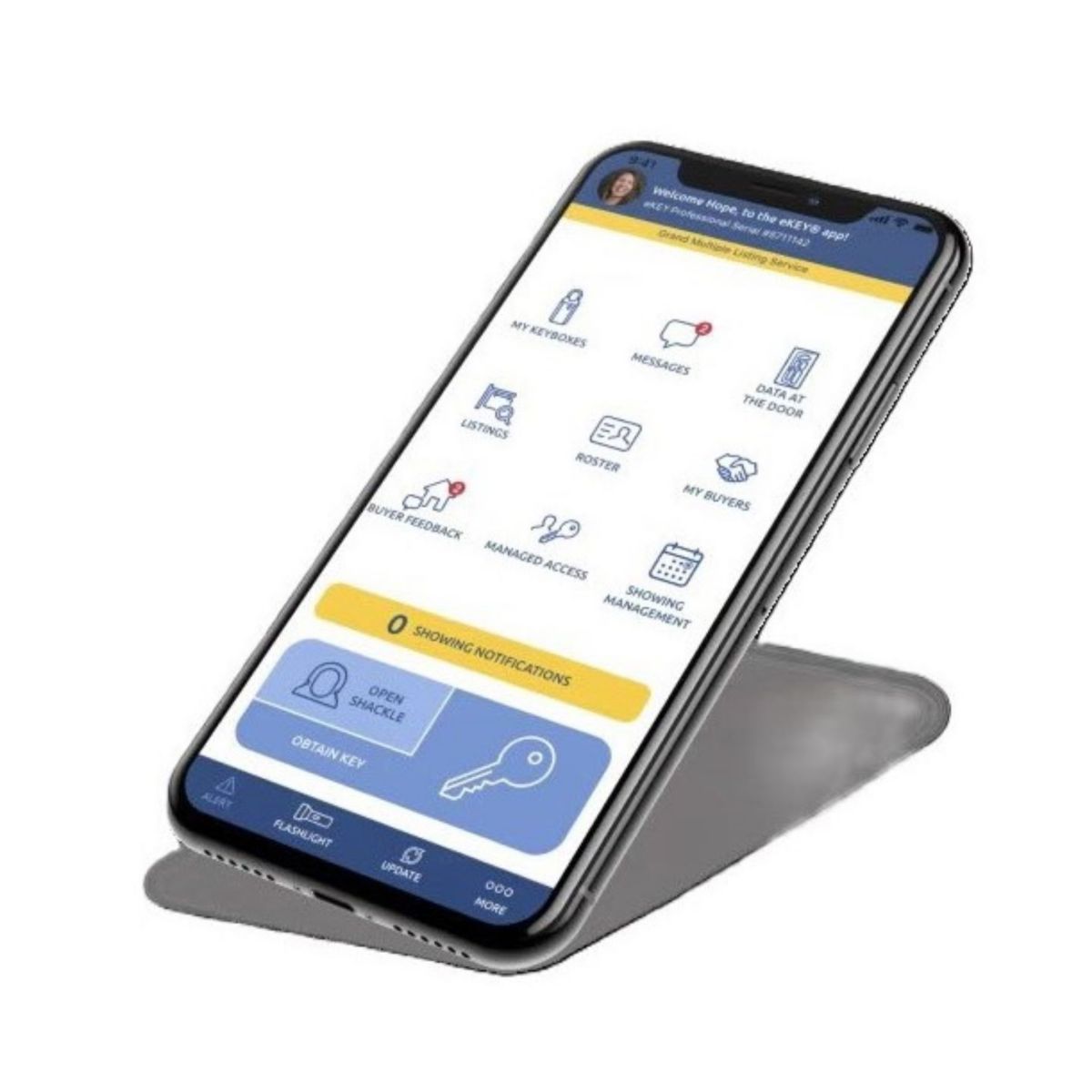
The Supra eKEY app communicates directly with the iBox BT LE with no additional hardware required making it as easy as one, two, three.

Supra opening doors for you
iBox BT LE Lockbox
Keep all your Supra Powers in hand
Using your phone or tablet as your lockbox key has never been easier
Have questions?
Have questions about Supra Lockboxes? Check our FAQ or ask your association or MLS for more information.
We’re here to help
FAQs
eKEY on Android and iOS via Bluetooth:
- Open eKEY app.
- Tap on Obtain Key (if a CBS Code is being prompted and the key is not an Affiliate key, the “Enable CBS” function can be unchecked in the eKEY Settings)
- Type in PIN code. The phone will start searching “Turn on fob or iBox BT”...
- Push up on the key container of the lockbox. The phone will start communicating with the lockbox. Once it is complete it will say "Successful".
- Push up on the key container to release it.
Supra eKEY - Obtain Key and Open Shackle

- Open the Supra eKEY app on your phone.
- Tap on the MY KEYBOXES icon.
- Tap on the Keybox serial number in question.
- Tap on the PROGRAM KEYBOX heading.
- You will see the shackle code about halfway down your screen.
eKEY - IOS (iPhone & iPad)
- Open the Supra eKEY app on your phone.
- Tap Open Shackle.
- Enter the 4-digit shackle code.
- Tap on the Reason box.
- Scroll up or down until the correct reason is selected, then tap Done.
5a.If Adding on a new listing is chosen, either enter the address number, or the MLS number, then tap SAVE
- Tape Done.
- (Optional) Toggle on the “Add to my keybox inventory” switch.
- Tap BEGIN button
- Press up on the bottom of the lockbox to power the lockbox on.
- Wait for the message Success to appear, as well as a message about the battery level in the box.
- Push the shackle down into the lockbox then pull up. The shackle will come off.
eKEY - Android OS
- Open the Supra eKEY app on your phone.
- Tap Open Shackle.
- Type in shackle code.
- Tap on the Reason box.
- Select a reason from the drop down list.
5a.If Adding on a new listing is chosen, either enter the address number, or the MLS number, then tap SAVE
- (Optional) Toggle on the “Add to my keybox inventory” button on.
- Tap the BEGIN button.
- Press up on the bottom of the lockbox to power the lockbox on.
- Wait for the message Success to appear, as well as a message about the battery level in the box.
- Push the shackle down into the keybox then pull up. The shackle will come off.
You can program listings for your lockbox right in the Supra eKEY app the way you and your seller want to use it. As long as you are with your lockbox, you can program it with these easy steps.
- Open the Supra eKEY app on your phone.
- Tap on the MY KEYBOXES icon.
- Tap on the Keybox serial number in question.
- Tap on the PROGRAM KEYBOX heading.
- From this screen you can change the following
a.Shackle code
b.CBS code/requirement
c.Keybox access hours
- When finished editing tap the PROGRAM button.
- Enter the 4-digit shackle code (previous code of shackle code is being changed)
- Press up on the bottom of the lockbox to power the lockbox on.
- Wait for the message Success to appear. Your lockbox has now been reprogrammed.
Supra eKEY - Programming Lockboxes

